
Paying by Wire Transfer using your Slope Virtual Card
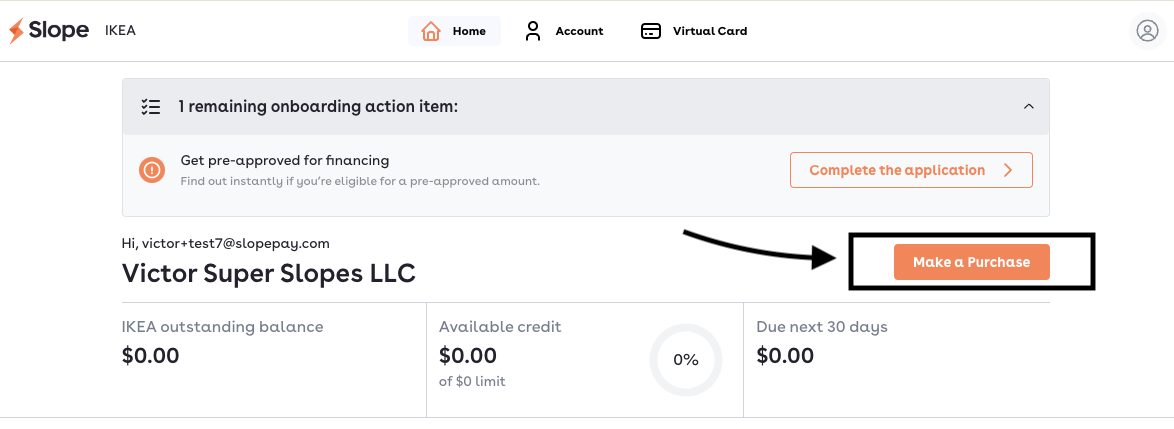
Once you've added items to your IKEA cart and are ready to check out, you'll need to go to your Slope Buyer Portal and select "Make a purchase."
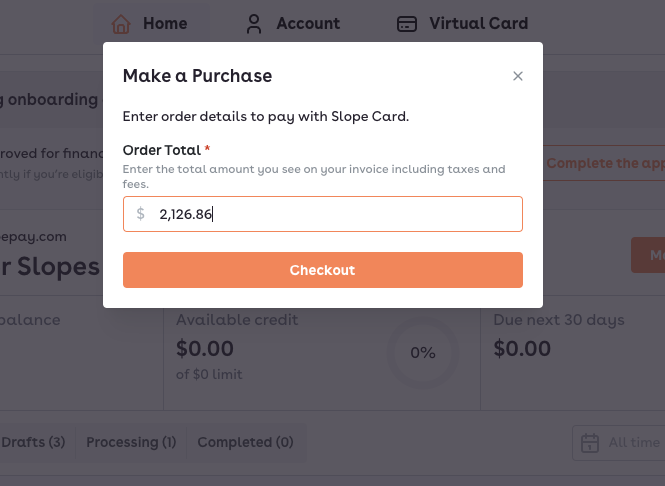
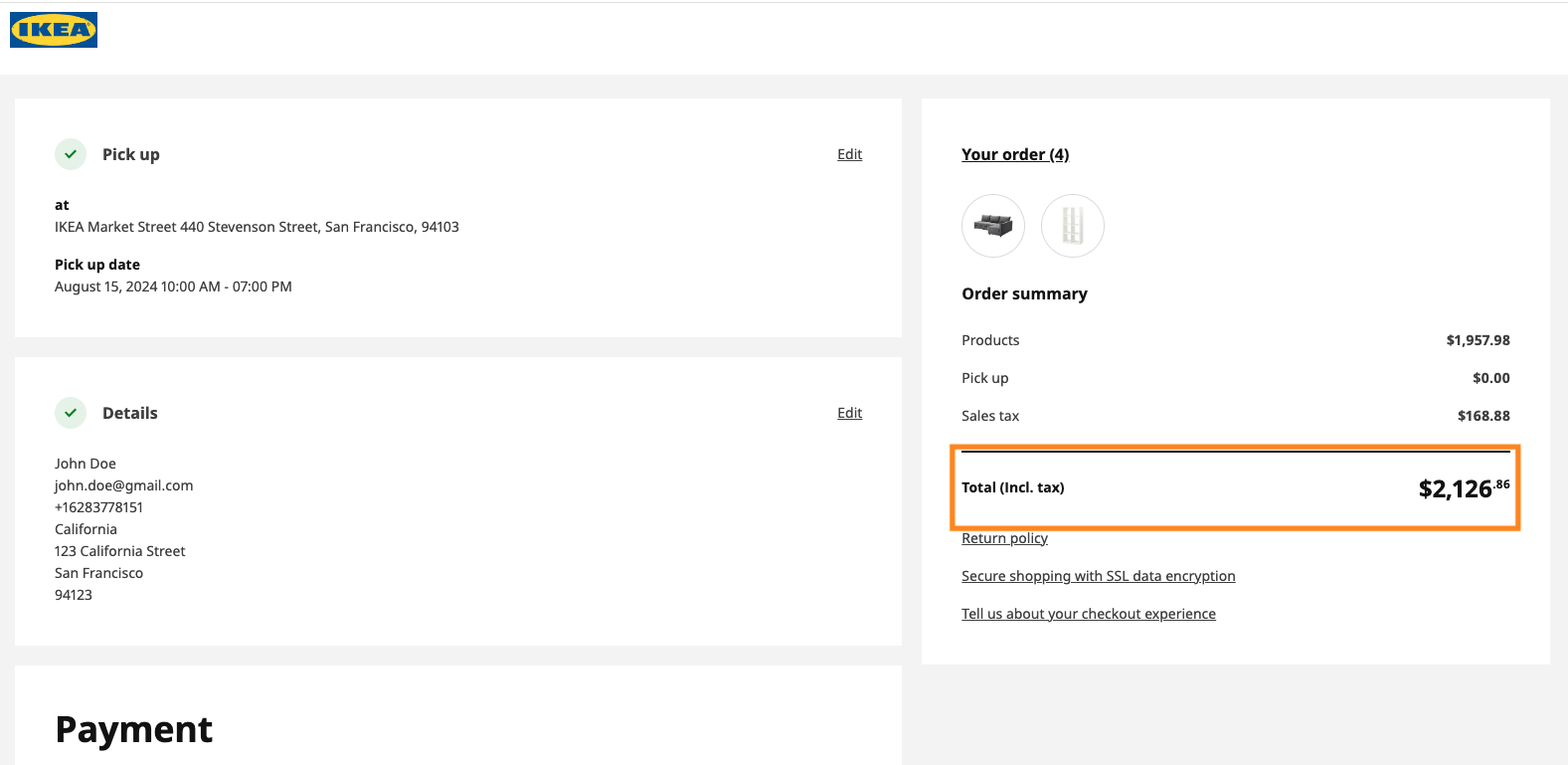
You'll get the following pop-up. Make sure that the Loan Total matches the exact amount in your cart on Ikea, as seen below. If the numbers do not match exactly, the transaction will be declined.
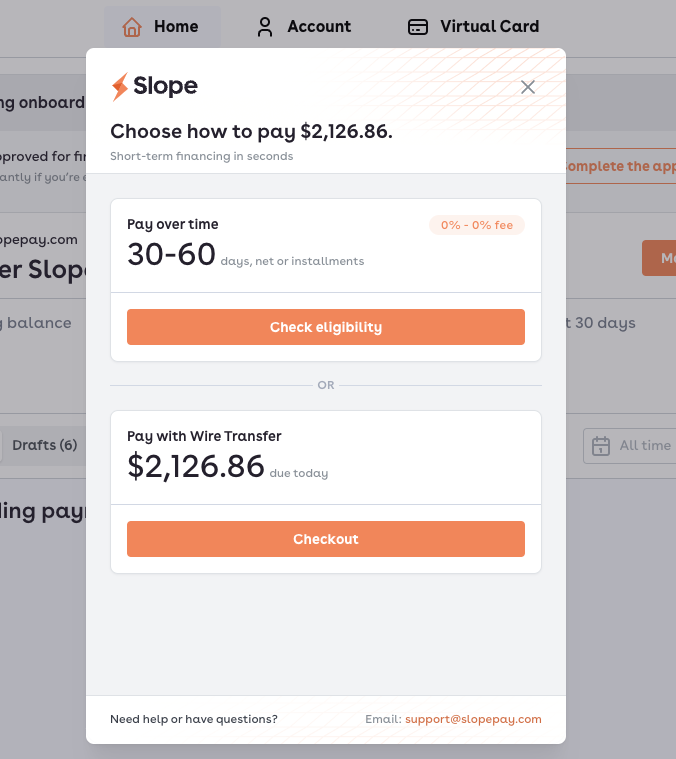
Once you select checkout, you will see the following screen. Please select "Pay with Wire Transfer"
Next, select "Send a wire."
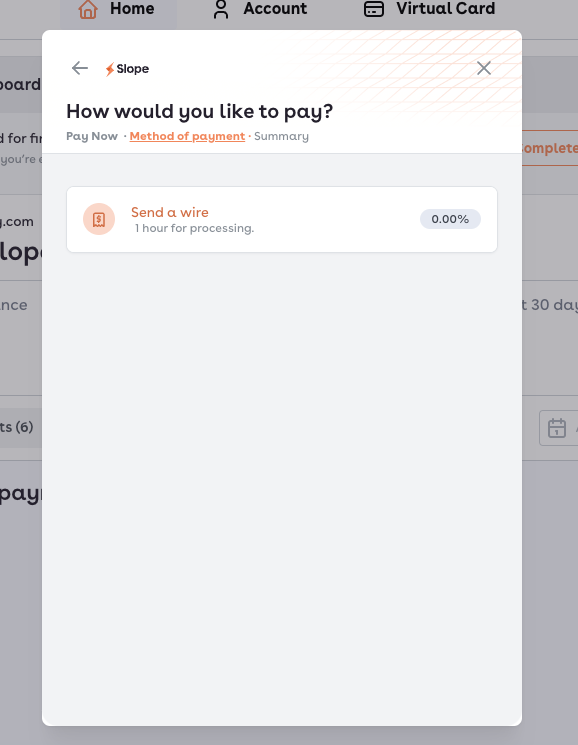
When creating a wire transfer (through your bank or another third party), please use the information provided below. After successfully sending the wire, check both orange boxes to confirm the wire has been sent with the correct amount and instructions.
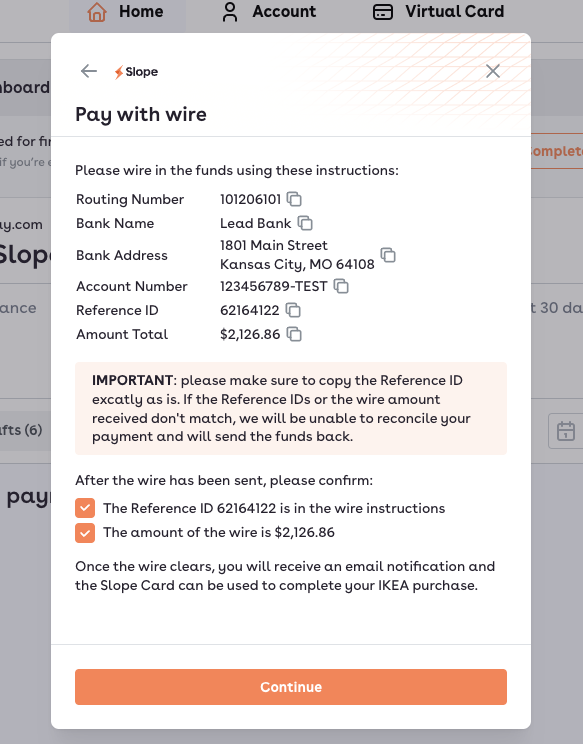
Keep in mind that once the wire is sent, it typically takes about an hour for funds to be loaded onto your virtual card and ready to use for your IKEA purchase.
If you'd like to be notified on your IKEA order status via SMS, please input your phone number on the screen below. Then select "Complete payment".
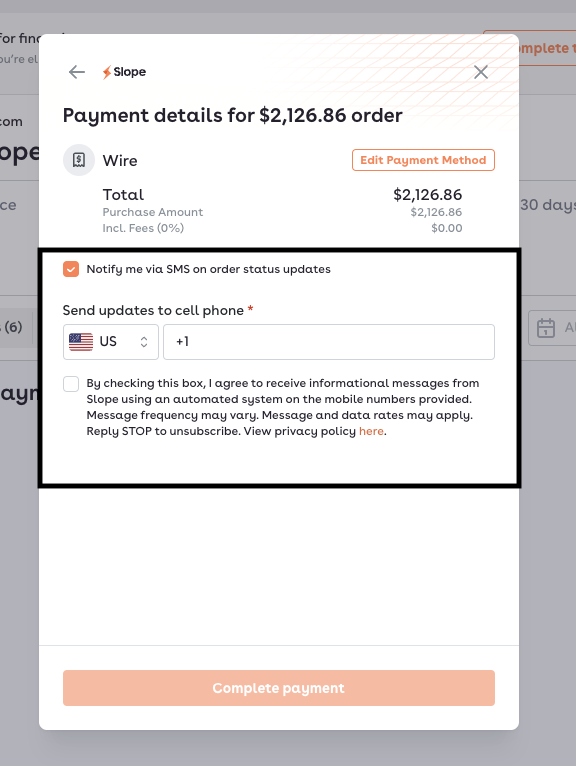
You will receive an email once your wire has been processed and you're able to use your Slope Virtual Card for your purchase. You can find your Virtual Card details within your Slope Buyer Portal here.