How to initiate a drawdown
Edited
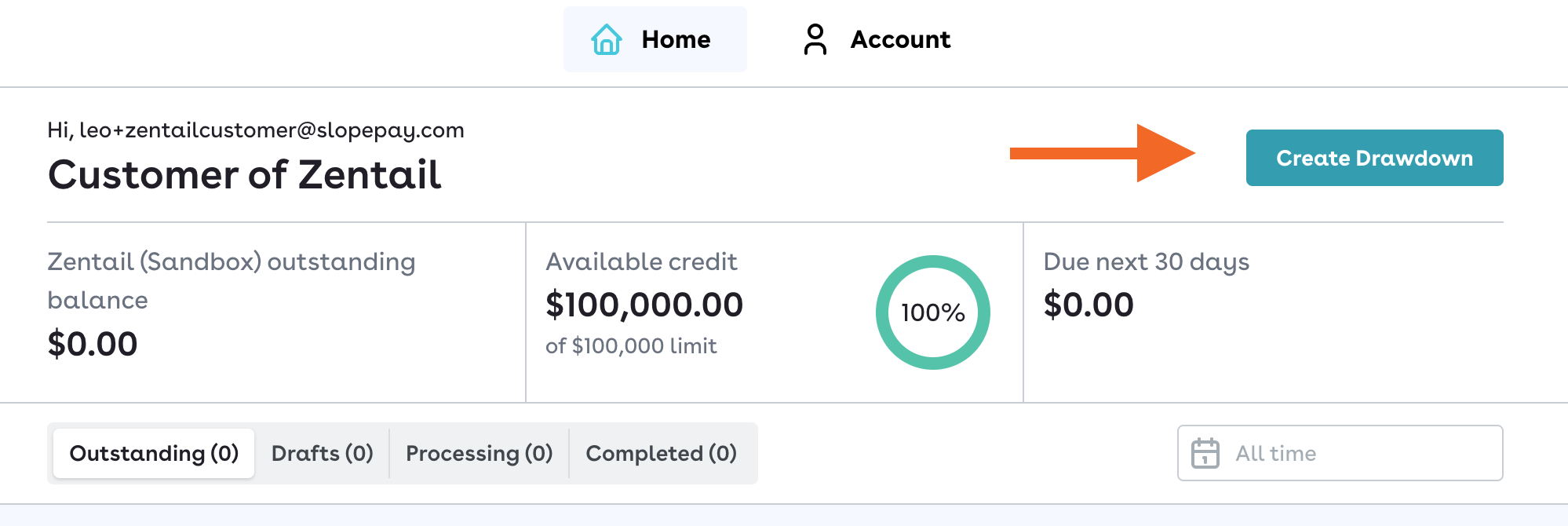
Once approved, log into your Buyer Portal and click "Create Drawdown".
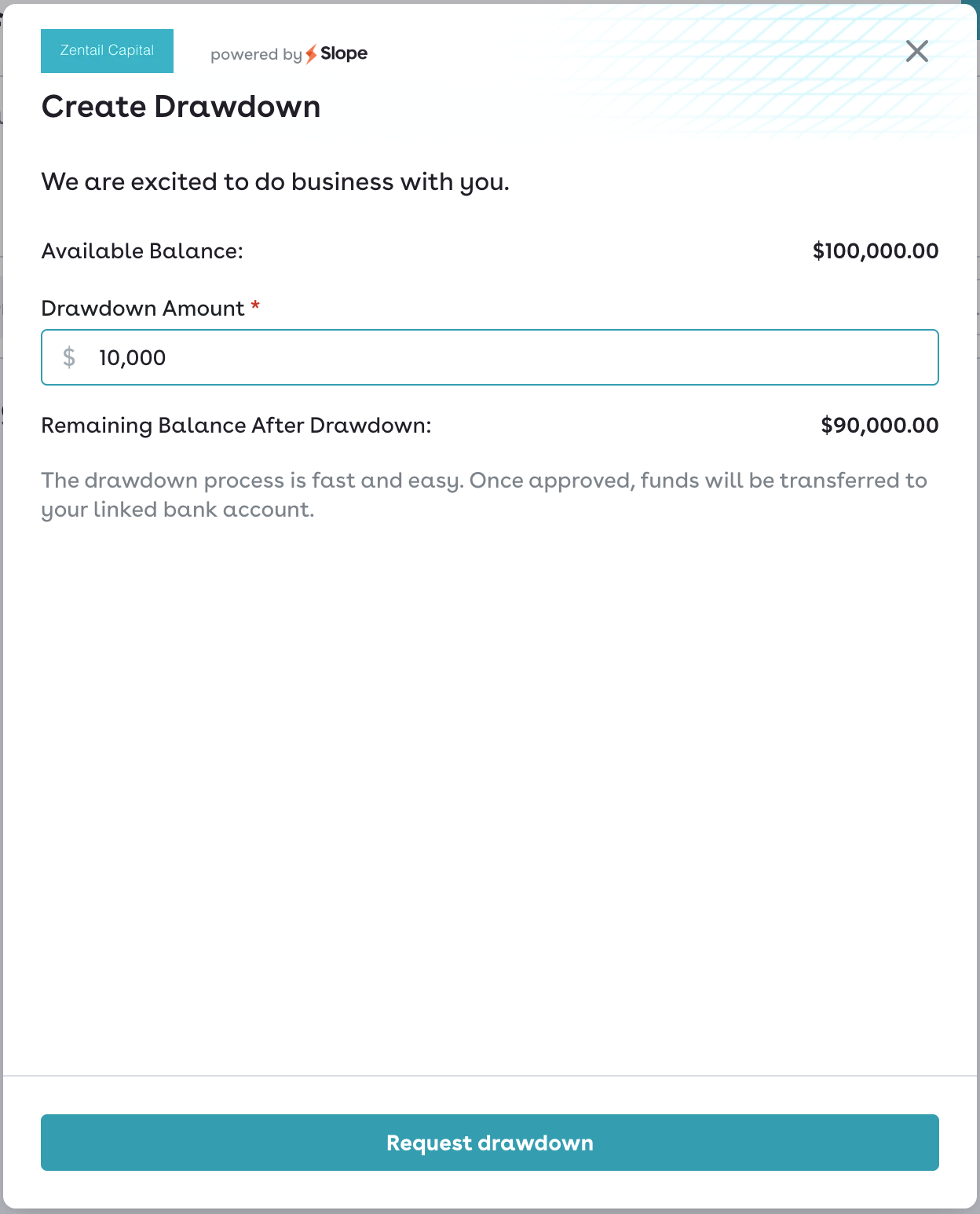
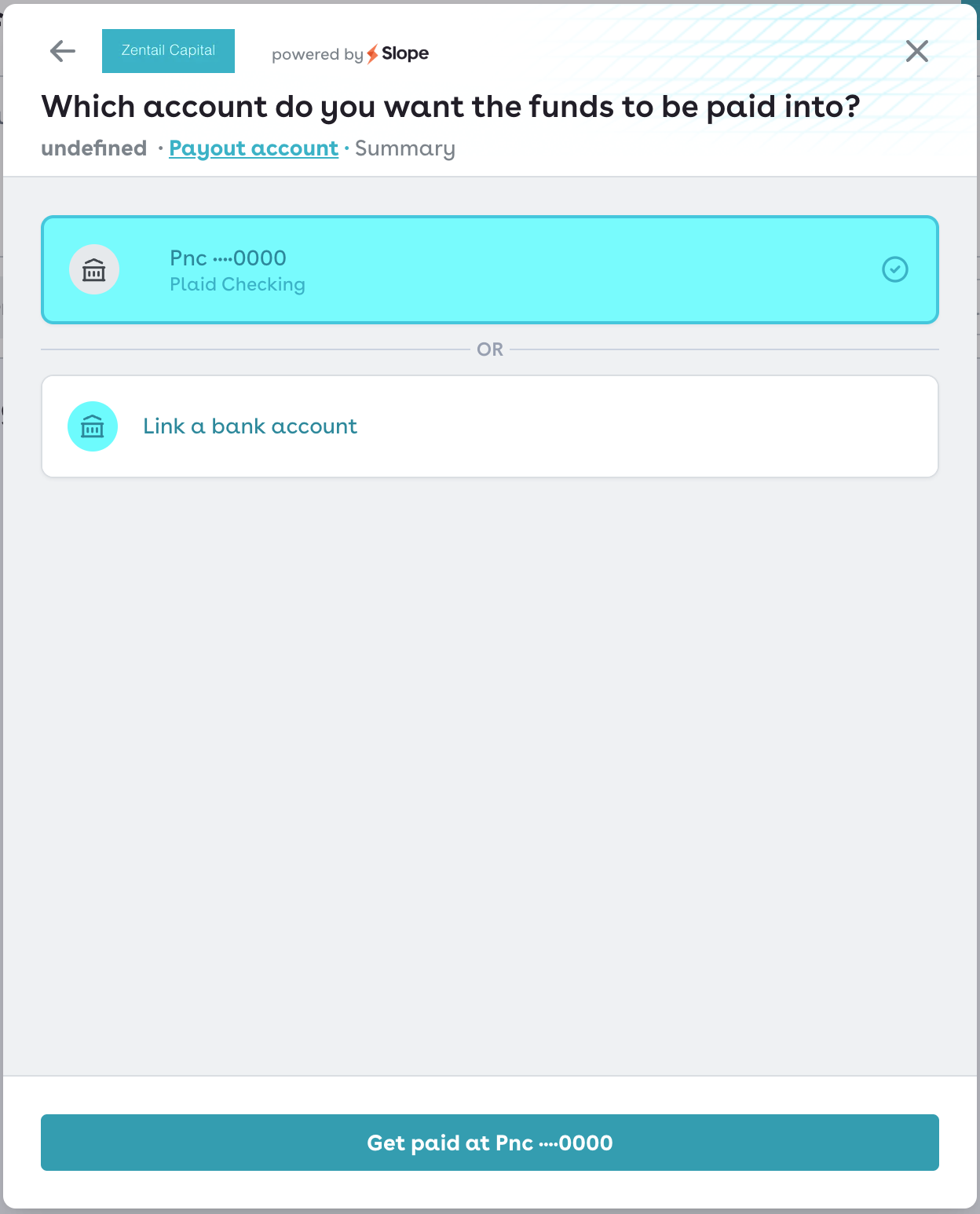
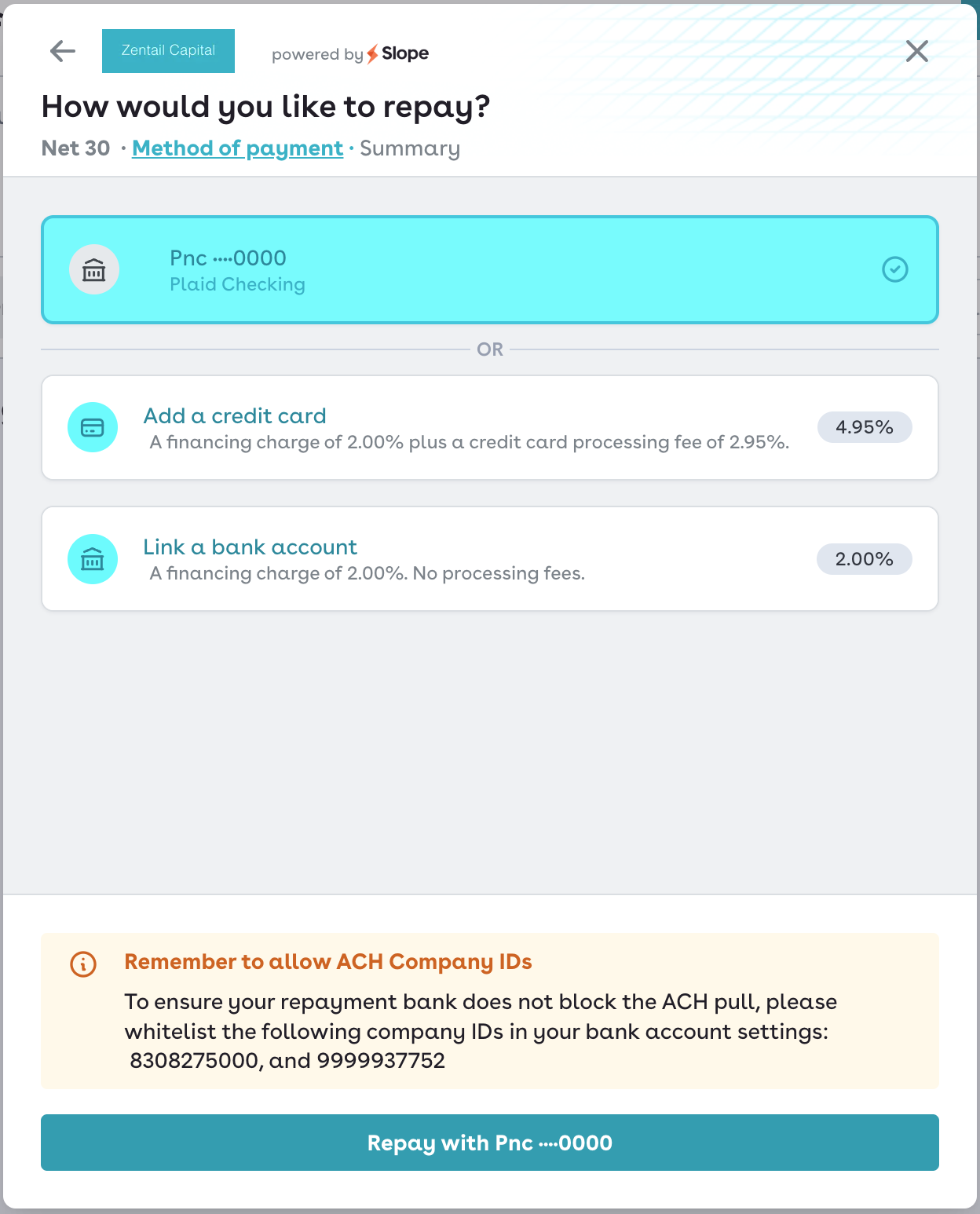
Once you do, you'll input the amount you want to drawdown, select your terms, add the bank account you want the funds to go to, and then select a repayment method.
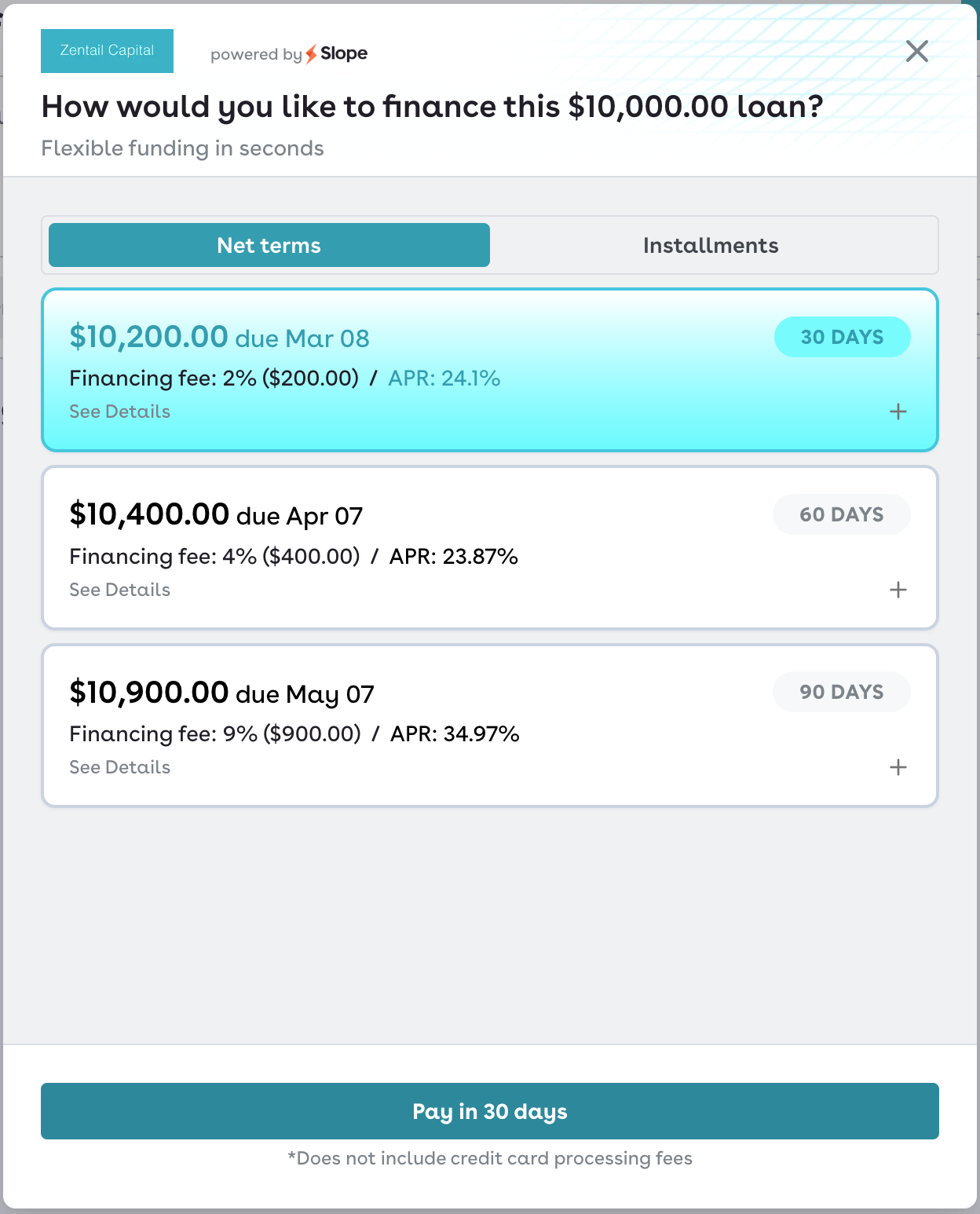
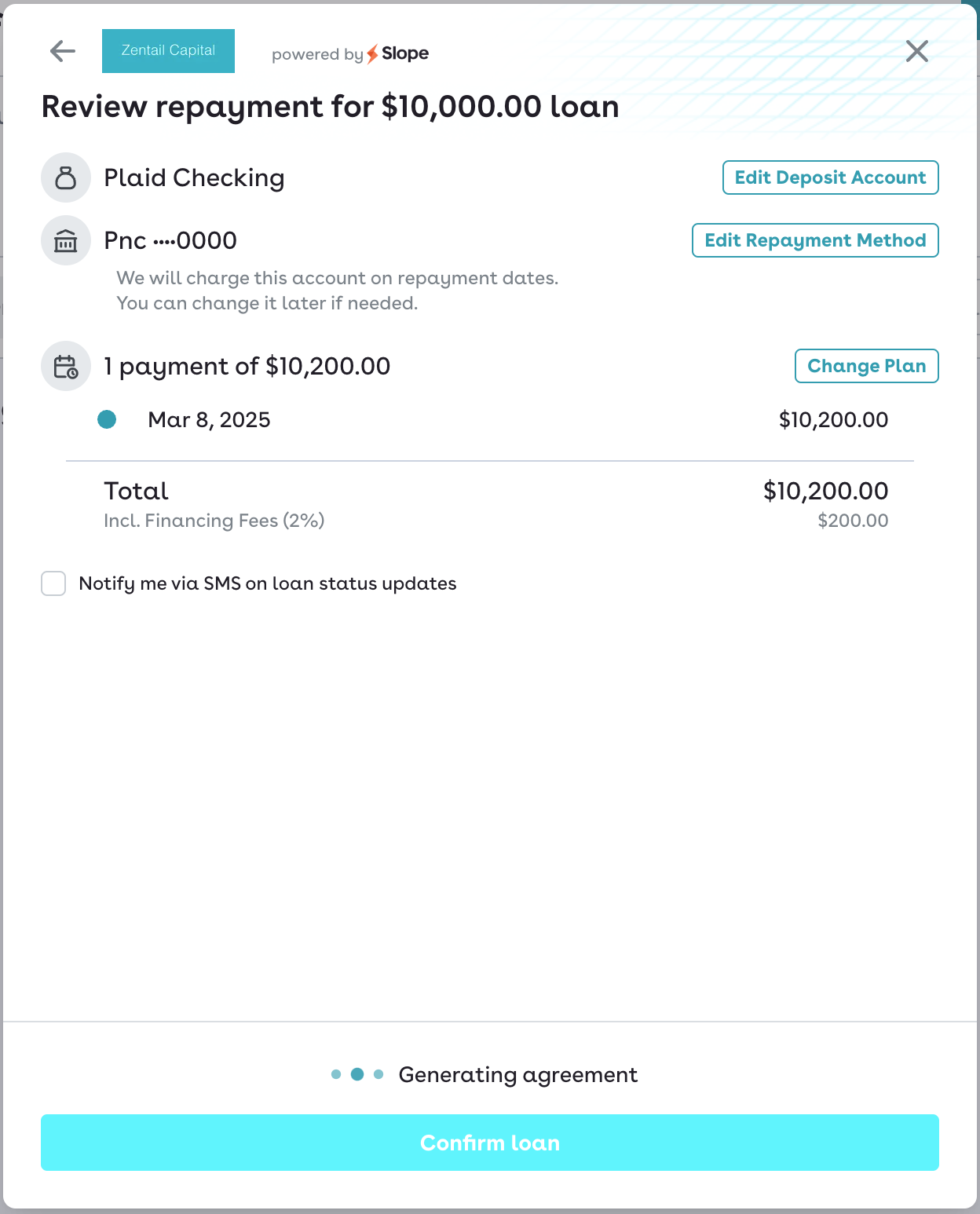
You'll then review the order before confirming the loan.
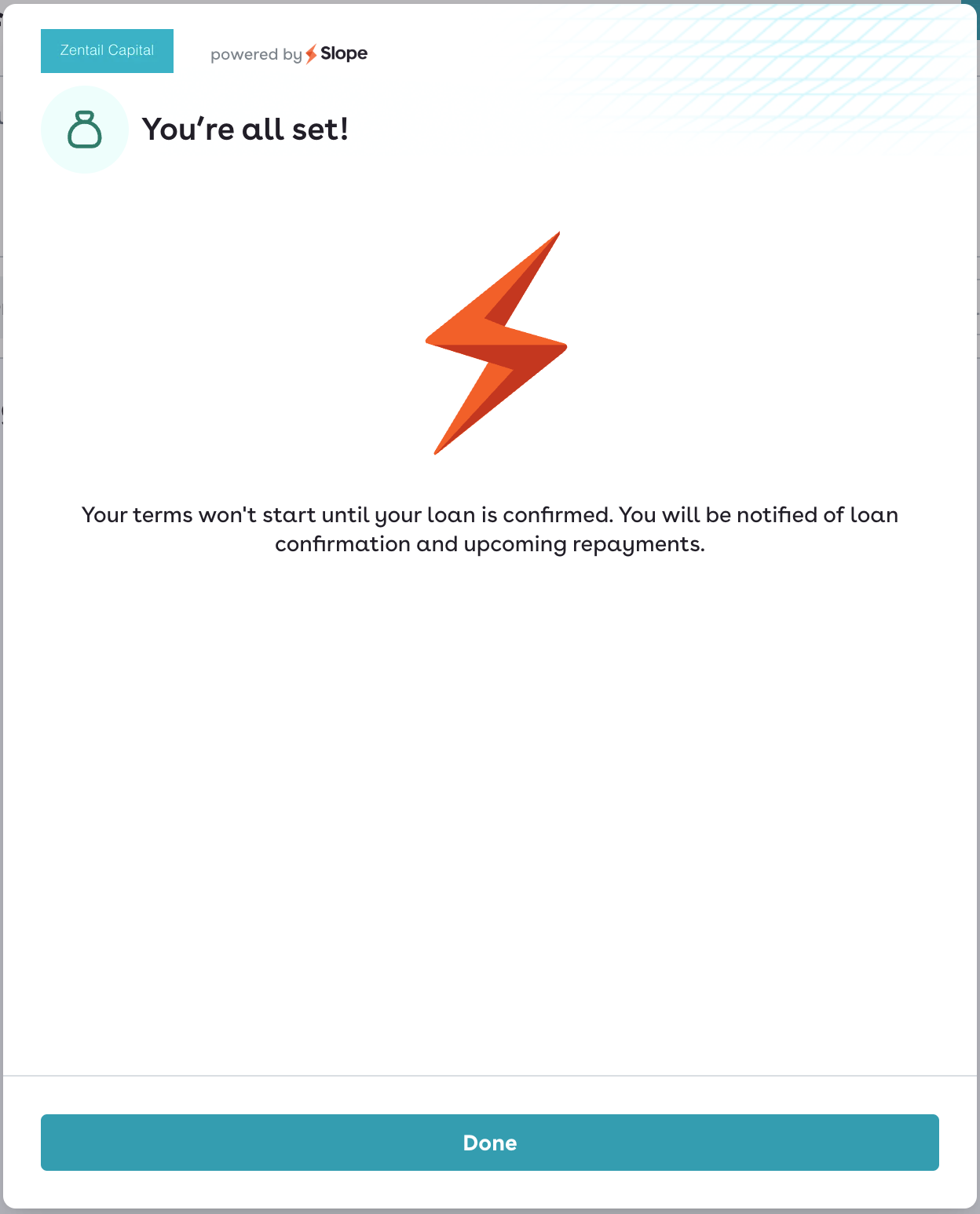
Once you've confirmed the loan, you'll see the following screen! Within 5 minutes, you should also receive a confirmation email, which confirms that the drawdown has been successfully processed.