
Managing SMS notifications
Edited
To opt in to SMS notifications from Slope, head to your Slope Portal and click the menu in the upper right corner. Then SMS Notifications.
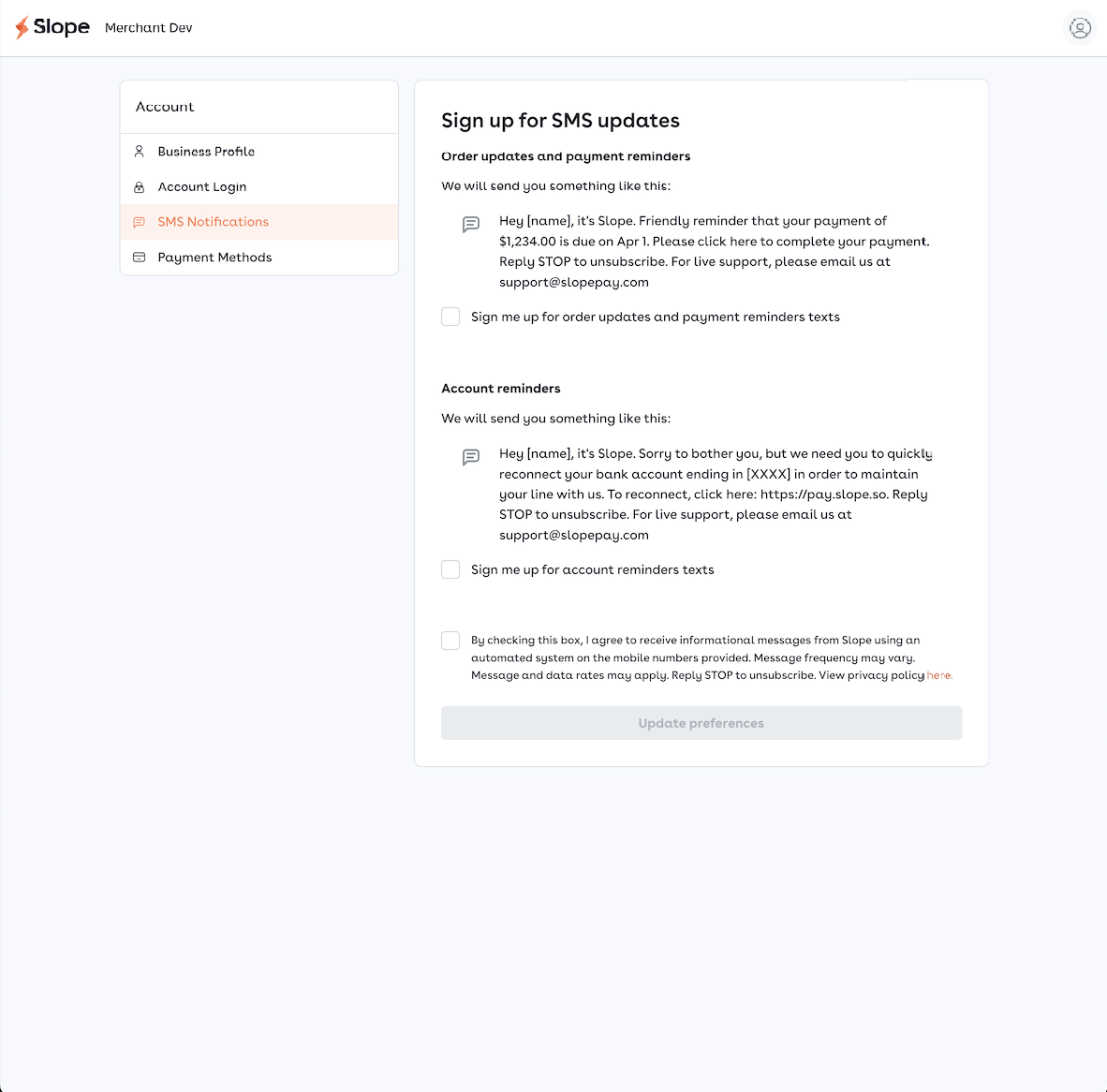
You can sign up for loan order updates to know when your loan order is confirmed and for notifications about upcoming or late payments or actions needed to be taken on your account.
Click the checkbox under each SMS type to opt in. Then add the mobile phone number you'd like to receive messages to. Any colleagues with access to the Slope Portal can sign up for notifications.
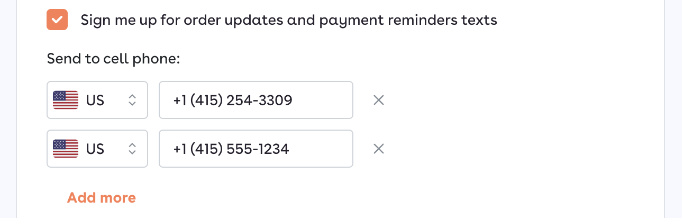
You will not receive any marketing messages by opting in. You will also not be able to text Slope at this number. You can contact Slope by texting us at (415) 429-5221 or emailing us at support@slopepay.com.